Artwork Files for Printing: Vector Artwork, Print-Ready PDF & 300 DPI JPEG Explained
You have a logo, a band design, a club crest, or a charity mark. The print on the garment will only be as sharp as the file you send. This guide covers artwork files for printing in plain terms: vector artwork, print-ready PDF, and 300 DPI JPEG, plus how to send them for a quote.
Inked Image is a Newcastle upon Tyne print studio serving customers across the North East and the wider UK. The advice applies whether you are ordering custom printed T-shirts, hoodies, or workwear. We work with screen printing, embroidery, DTF garment printing, UV stickers, band merchandise, and workwear. Send the original artwork, say where it should sit, and we can review it as part of your quote.
Vector artwork: scale without losing the edge
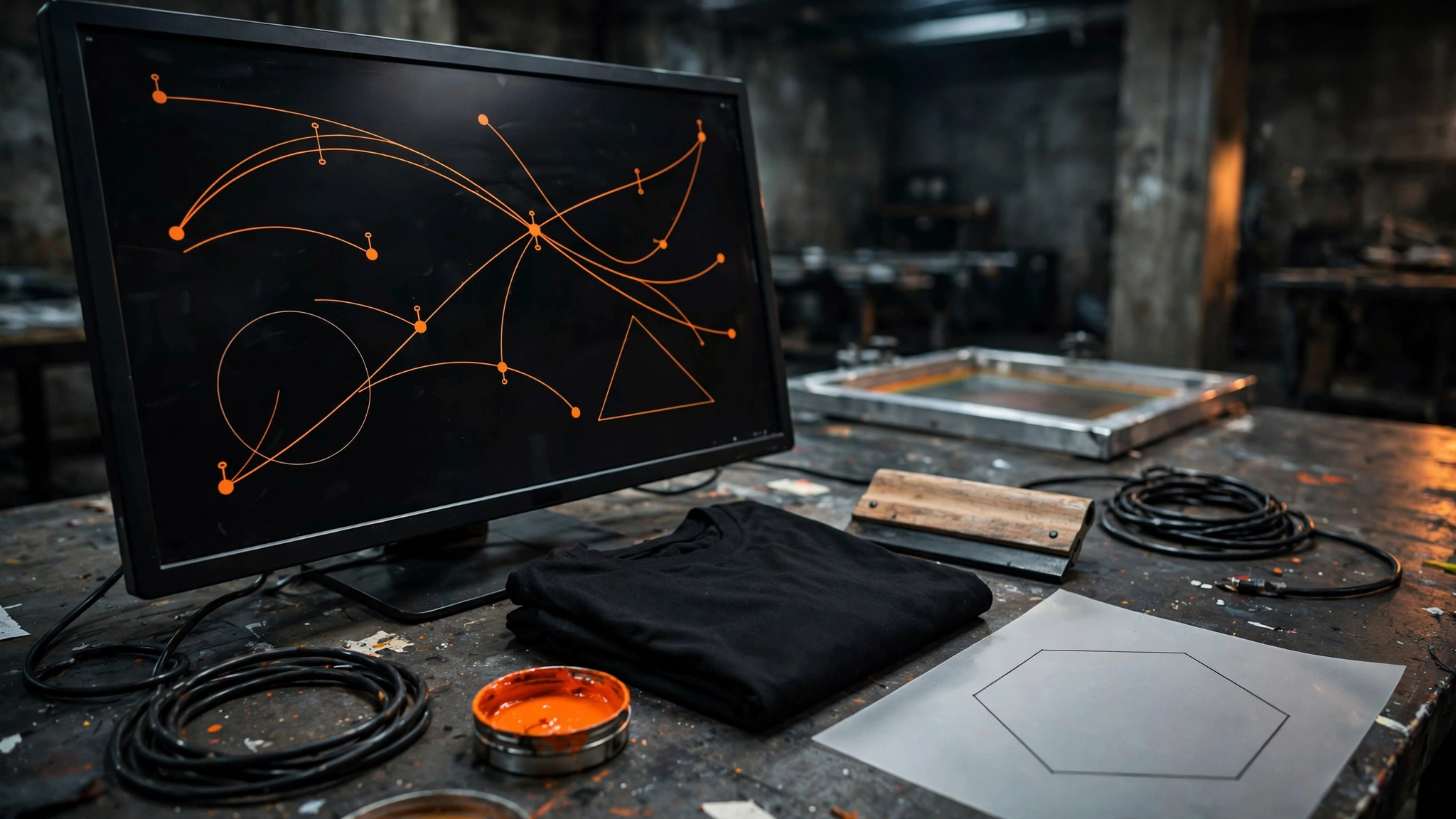
Vector artwork is built from paths, curves, and shapes rather than a grid of pixels. Scale a vector logo from a small chest print to a full back and the edges stay clean. That is why logos, lettering, and crests are often drawn this way.
Common examples include AI, EPS, and SVG files. Those names describe how the artwork is built. They are not a list of formats for our quote form. Vector files do not carry a fixed 300 DPI requirement in the same way a JPEG does. Sharpness comes from the paths, not from a DPI number.
The quote form accepts PNG, JPG, JPEG, WEBP, and PDF. If you have a native vector file, export a PDF that still contains the vector paths, then send that PDF. Mention the original source in your quote details, for example that the PDF came from an Illustrator file.
Print-ready PDF: the filename is not enough
A PDF is a container. It can hold true vector artwork, embedded raster images, or both. The .pdf extension on its own does not make a file print-ready.
A useful print-ready PDF is exported from the original design file, with live vector paths still inside where they exist. A PDF made by printing a screenshot, saving a phone photo, or exporting a low-resolution web graphic is still that weak image, wrapped in a different filename.
Send a PDF built from the original artwork. Confirm the intended print size and placement at the same time, such as a front chest or a full back.
300 DPI JPEG: raster artwork at the print size
JPEG is raster artwork: a grid of pixels. For printed apparel, the useful minimum is 300 DPI at the final intended print size. Higher resolution is welcome.
DPI only means something at a real size. A small web JPEG labelled 300 DPI is still too small if the print needs to cover a chest or a back. Changing the DPI number in software without adding real image detail does not improve a low-resolution file. Stretching a blurry JPEG does not make it print-ready.
PNG is another raster format our quote form accepts. WEBP is accepted on the form too. In both cases, send the original file rather than a download from Instagram, Facebook, or similar.
Vector vs raster, in brief
- Vector: paths that scale. Examples include AI, EPS, and SVG. No fixed 300 DPI requirement in the same way as raster.
- Raster: pixels with a set amount of detail. JPEG and PNG. Aim for 300 DPI at the intended print size.
- PDF: can carry either, so check what is actually inside the file.
Simple logos and solid shapes often start as vector artwork. Photographs, gradients, and complex full-colour images are usually raster, and they need enough pixels for the print size.
How to send artwork files for printing
- Use the original source file, not a screenshot, a photo of a screen, or a social media download.
- Confirm print size and placement: front chest, full back, sleeve, and so on.
- Identify the final approved version if several files exist.
- Note the decoration method if you know it, such as screen printing, DTF, or embroidery.
- Upload a PNG, JPG, JPEG, WEBP, or PDF on the quote form.
- Ask if you are unsure whether the file suits the chosen method.
We do not guarantee every file will be accepted or ready to print as sent. Original files give us a clearer view of the artwork.
If you only have a rough sketch or a low-resolution file, include that in your enquiry. We can check artwork suitability, help vectorise logos, separate print colours, and prepare a digital mockup before production.
Send your files for a quote
Ready to order custom printed T-shirts, band tees, club kit, charity shirts, or workwear? Add your artwork, garment idea, placement, and an estimated quantity if you have one. Get a Quote on the Inked Image site, or call 0191 447 2453.